We are pleased to announce that a newsletter subscription option is now available on the ISE website.
If you would like to share the latest ISE news, updates, resources, and important information, anyone can now easily subscribe online.
Visit https://ise.adventist.org/ and scroll to the bottom of the page, where you will find the newsletter subscription section.
Important Change to Microsoft Sign-In
Enabling Microsoft MFA for users in the organization – without user interaction - MSEndpointMgr
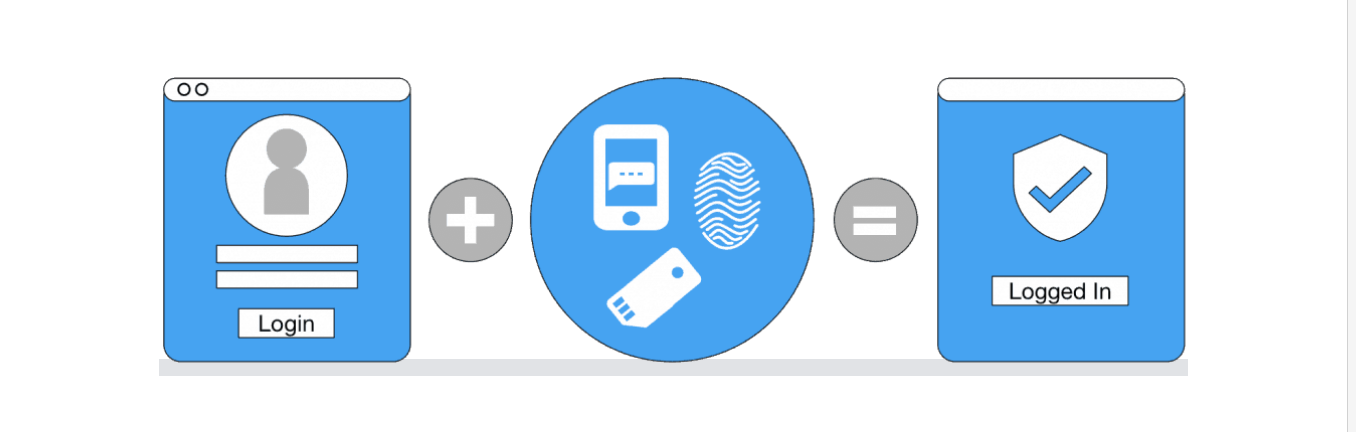
Microsoft is improving account security by moving away from SMS text messages and voice calls for multi-factor authentication (MFA) and transitioning users to more secure authentication methods.
Starting September 1, 2026, users who currently use SMS or voice authentication may be prompted to set up a more secure sign-in method. Microsoft-provided SMS and voice authentication will be retired on February 1, 2027.
What should you do? We recommend setting up one of the following secure options:
1. Microsoft Authenticator app
Approve sign-in requests directly from your mobile device.
2. Passkey
Use your device, fingerprint, face recognition, or PIN to sign in securely.
If prompted during sign-in, please follow the instructions to complete the setup. We encourage you to make this change early to avoid future access issues and strengthen the security of your account.
Having Trouble Signing In?
login-error
If you are experiencing issues with your ISE credentials, there is no need to request a password reset from the support team. You can change your password yourself using your current password by following the steps below:
Open an Incognito/Private browser window to avoid affecting any other saved credentials.
Log in with your ISE email (e.g., [email protected]).
Enter your current password.
On the left menu, click Change password and follow the prompts.
If, after following these instructions, you continue to experience issues, please contact us at: [email protected]
A quick reminder: Please do not share your passwords via email. When you receive a temporary password, change it right away to something unique.